
Currently Empty: $0.00
-$1.00
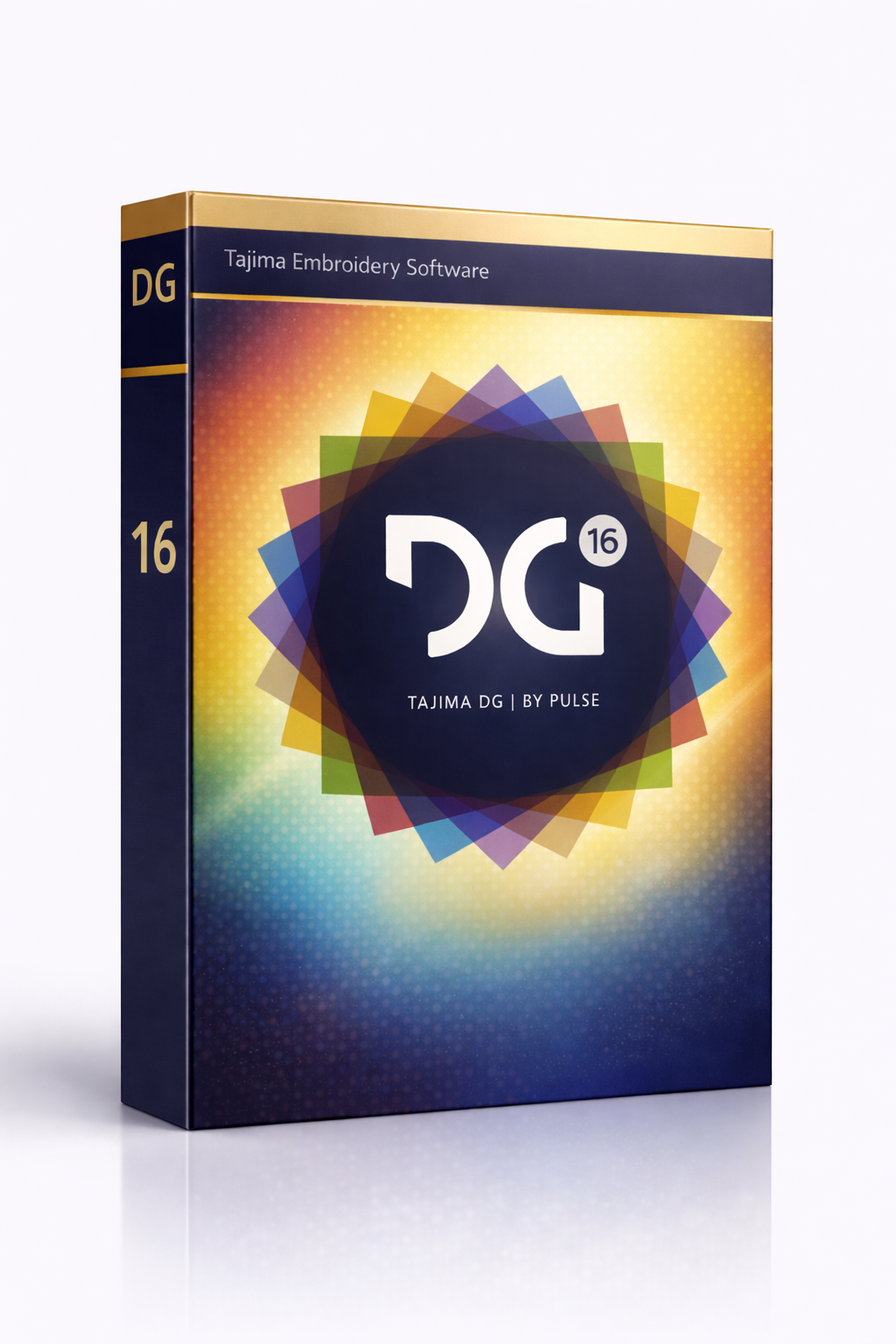
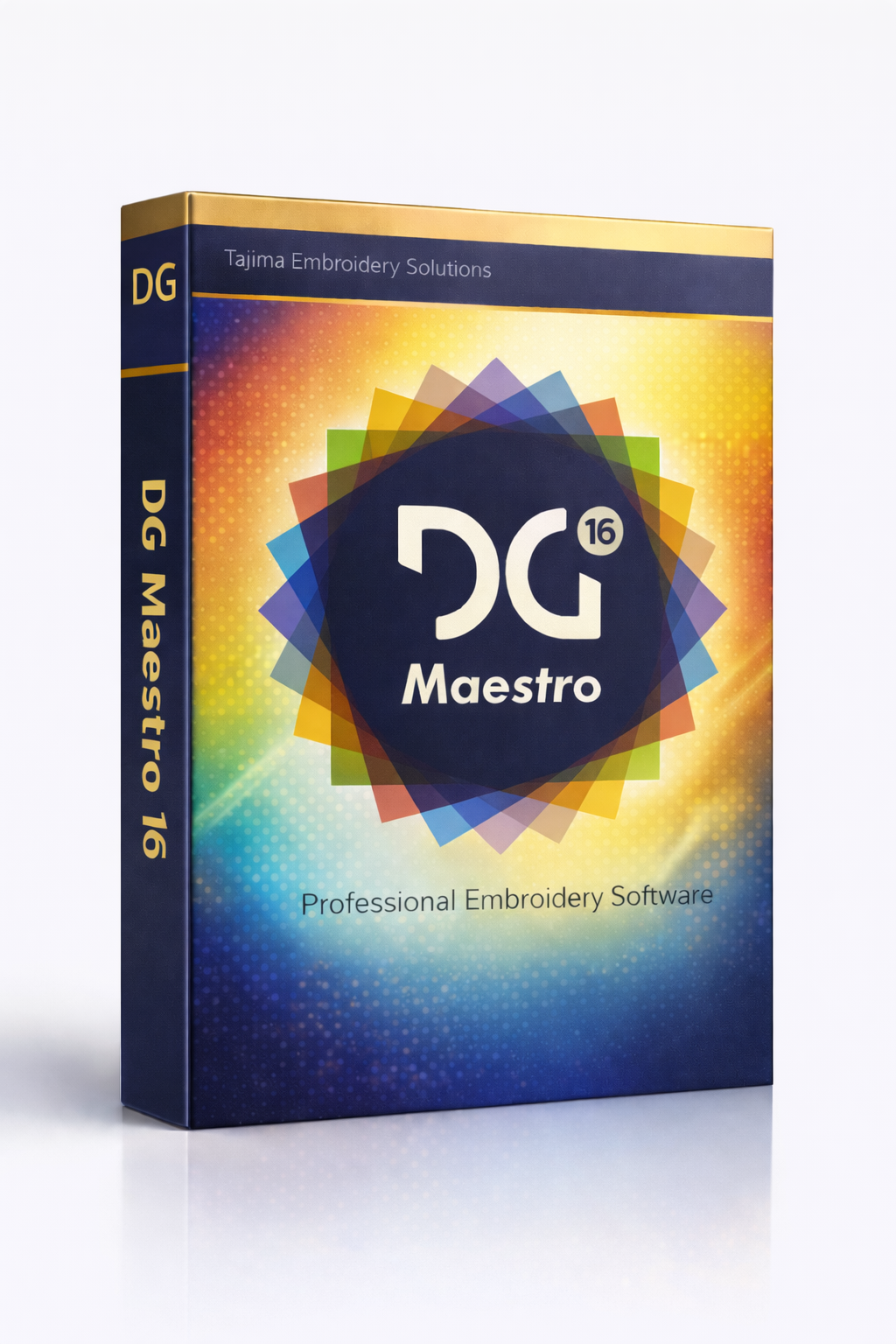
Tajima DG16 by Pulse
» Brand: Tajima
» License: Lifetime License for 1 PC – Guaranteed Activation
» Version: DG16 by Pulse – Full Version
» Delivery: Instant Download Link & Setup Instructions via Email
» Languages: Worldwide Support – All Languages
» Compatibility: Windows PC Only (1 Device)
» Category: Professional Embroidery Digitizing Software
» Support: 24/7 Free Customer Support
Original price was: $24.00.$23.00Current price is: $23.00.
Product Description
Tajima Software Overview
Tajima software represents a professional range of embroidery digitizing and design solutions developed by Tajima, a global leader in the embroidery industry. These programs are designed to help users create, edit, and manage embroidery designs with precision, offering powerful tools to produce high-quality embroidery results.
Tajima DG16 by Pulse
Step into advanced embroidery digitizing with Tajima DG16 by Pulse, a trusted and industry-recognized software solution. Known for its powerful functionality and intuitive interface, DG16 is widely used by embroidery professionals and creative designers worldwide.
With Tajima DG16, users gain access to a complete set of tools that simplify the embroidery design process. From detailed pattern creation to full customization control, the software enables both beginners and experienced professionals to bring their creative ideas to life efficiently.
Key Features of Tajima DG16
Advanced Design Tools
DG16 provides a comprehensive suite of tools for creating intricate and professional embroidery designs.
Stitch Editing: Adjust stitch density, angle, and length to refine design appearance.
Lettering & Monogramming: Create custom text designs with a wide range of fonts and styles.
Appliqué Tools: Add fabric elements for dimensional and decorative effects.
Intelligent Digitizing
Transform images, artwork, and logos into high-quality embroidery designs with advanced digitizing technology.
Automatic Stitch Generation: Automatically create precise stitch placements for optimal results.
Artwork Optimization: Ensure smooth curves, accurate color transitions, and clean detailing.
Extensive Customization Options
Take full control over every detail of your embroidery designs.
Multiple Stitch Types: Choose from satin, fill, running, and specialty stitches.
Color Customization: Use an extensive color palette to match branding or creative needs.
Seamless Machine Integration
Tajima DG16 integrates smoothly with Tajima embroidery machines to ensure an efficient production workflow.
Production Management Tools: Manage job queues, schedules, and order processing effectively.
Multi-Head & Multi-Needle Support: Compatible with advanced embroidery machine configurations for higher productivity.
Design Library & Organization
Organize your embroidery files using intuitive management tools.
Categorize designs into folders and collections.
Quickly retrieve and manage projects for faster workflow.
Scalability & Flexibility
DG16 adapts as your business grows.
Expand capabilities to handle increased production volume.
Customize software settings and workflows based on project requirements.
Security & Data Management
Protect your valuable designs and client information.
Secure sensitive data with reliable protection features.
Use backup and recovery options to maintain data integrity.
Benefits of Machine Networking with Tajima DG16
Centralized Design Storage: Store embroidery files on a shared network for easy access across multiple machines.
Real-Time File Transfer: Send designs directly to machines without manual USB transfers.
Remote Monitoring: Monitor machine status and production progress remotely.
Collaborative Workflow: Allow multiple team members to work simultaneously on shared projects.
Fonts and Typography
Tajima DG16 includes a diverse collection of fonts, from elegant script styles to bold sans-serif options. Designers can adjust font size, spacing, outlines, and shadow effects to create personalized monograms, decorative text, and professional logos with precision.
System Requirements
Operating System: Windows 7, 8/8.1, or 10 (64-bit)
Processor: Intel Core i5 or higher
RAM: 8 GB or more
Storage: 20 GB available space
Graphics Card: NVIDIA GeForce GTX 960 or equivalent
Display Resolution: Minimum 1920 × 1080
Frequently Asked Questions
1. Is Tajima DG16 suitable for beginners?
Yes. Although feature-rich, the software includes user-friendly tools and tutorials to help beginners get started.
2. Can I import designs into DG16?
Yes. The software supports multiple embroidery file formats for easy import and export.
3. Does Tajima DG16 support multiple languages?
Yes. The software includes multilingual support for global users.
4. Can DG16 integrate directly with embroidery machines?
Yes. It is designed to integrate seamlessly with Tajima embroidery machines for efficient production management.
5. What file format do Tajima machines use?
Tajima embroidery machines primarily use the .DST file format, which contains stitch and color information and is widely supported across the embroidery industry.
Explore More with Tajima Software
Purchase Tajima DG16 today at the best price and receive your activation key instantly via email. Be sure to check your spam or junk folder to avoid missing the message.
Don’t miss the opportunity to elevate your embroidery designs with Tajima DG16 by Pulse. Order now and start creating professional-quality embroidery with confidence.
Looking for more advanced embroidery software solutions? Browse our collection to find the perfect tool for your creative projects.
Be the first to review “Tajima DG16 by Pulse”
Customers Who Viewed This Item Also Viewed


-$39.01


There are no reviews yet.